Component Usage
Import the <LilyPond> component and pass it an imported .ly or .ily file.
---import LilyPond from "astro-lilypond/component";import bachInvention from "./scores/bach-invention.ly";---
<LilyPond content={bachInvention} />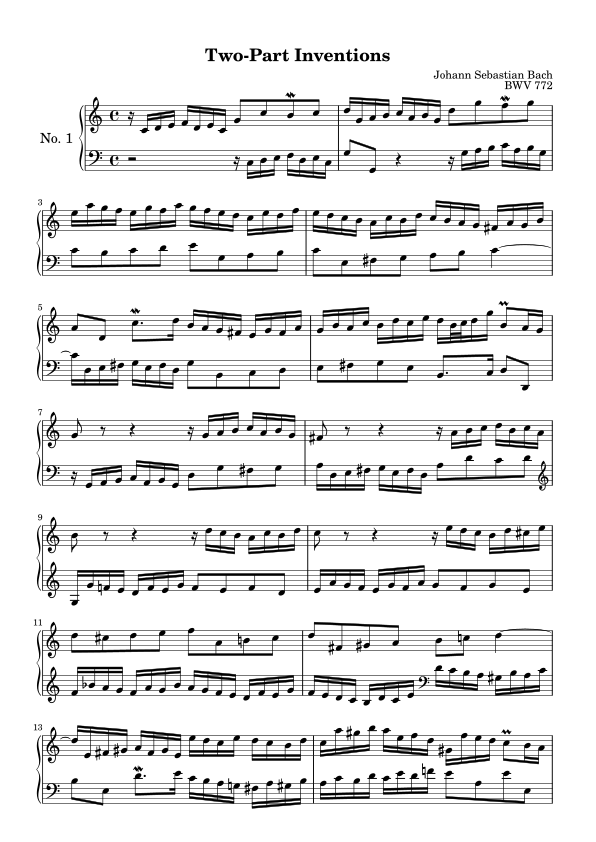
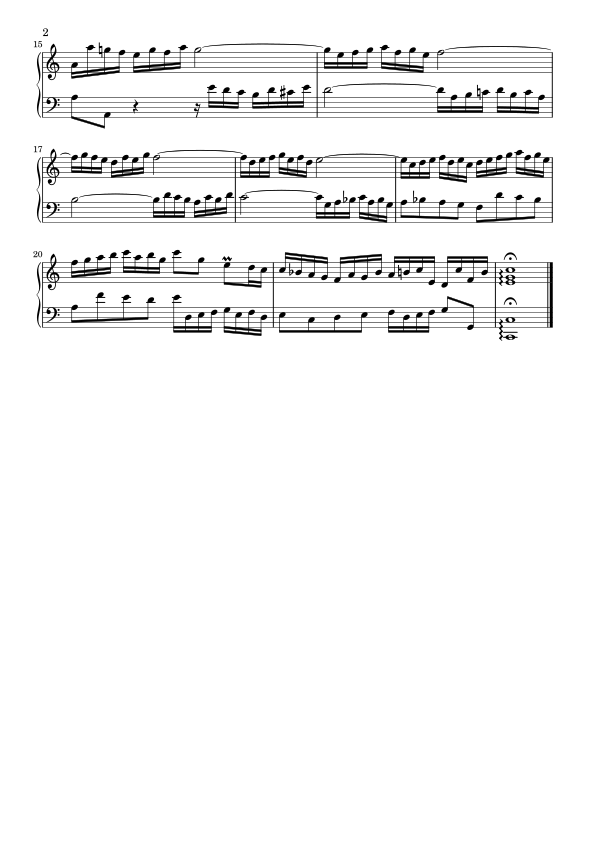
When a score renders to more than one page, as above, the pages are wrapped in an ordered list element. You can style pages and containers however you want. See the styling guide for more examples.
Disabling full-page output
Section titled “Disabling full-page output”By default, the <LilyPond> component renders output as a full page (or multiple pages), preserving page sizes and margins set via the imported LilyPond file.
If you would prefer not to use full pages, and instead crop all content to a single, potentially large image, you can do either of the following:
- Update your configuration to set
defaults.croptotrue. This will crop all<LilyPond>component output by default. - Append
?cropto selected import paths:
---import LilyPond from "astro-lilypond/component";// Force the score to be cropped and merged into a single imageimport bachInvention from "./bach-invention.ly?crop";---
<LilyPond content={bachInvention} />
Re-enabling full-page output
Section titled “Re-enabling full-page output”If your configuration sets defaults.crop to true, but you want to display uncropped pages somewhere, append ?nocrop to your import path:
---import LilyPond from "astro-lilypond/component";// Allow the score to render as multiple full pages with marginsimport bachInvention from "./bach-invention.ly?nocrop";---
<LilyPond content={bachInvention} />
Limiting rendered pages
Section titled “Limiting rendered pages”By default, <LilyPond> renders every page of a score. To show only an excerpt — the first page as a preview, for example — pass a pageLimit:
---import LilyPond from "astro-lilypond/component";import bachInvention from "./bach-invention.ly";---
<LilyPond  content={bachInvention}  pageLimit={1}/>
pageLimit={1} renders only the first page. pageLimit={2} renders the first two pages, etc. Passing a pageLimit larger than the number of available pages has no effect.
Alt text
Section titled “Alt text”<LilyPond> imports derive alt text automatically from the imported .ly file’s \header block, displaying alt="{title} by {composer}".
Customizing
Section titled “Customizing”Pass an alt prop to override the generated alt text with your own description:
---import LilyPond from "astro-lilypond/component";import bachInvention from "./bach-invention.ly";---
<LilyPond  content={bachInvention}  alt="A piano score showing a two-part invention by Bach"/>
See the Component reference for the full list of props.